











Settings for Netherlands
Digipoort (Dutch government’s electronic post office)
The Visma certificate saves you the extra time and money to request your own certificate. More specific conditions of use for the Visma certificate are described in this window. You can upload your own certificate or activate the Visma certificate for the current company or multiple companies.
If the you want to save your own Digipoort certificate or want to activate the Visma Digipoort certificate for ALL companies for you or your users have access to, you must click the arrow on the Save drop-down button and select the option Save for all companies.
Important
This action WILL OVERWRITE ALL EXISTING CERTIFICATES for companies and cannot be reversed. If you want to change the certificate for some of the companies, it must be done one by one for each company.
If the you want to avoid inserting password every time you send a report to Digipoort, you need to check the Remember certificate password option in the Settings window. You can only activate this feature when you upload a new certificate. If you later want to change this setting, you must upload a new certificate again.
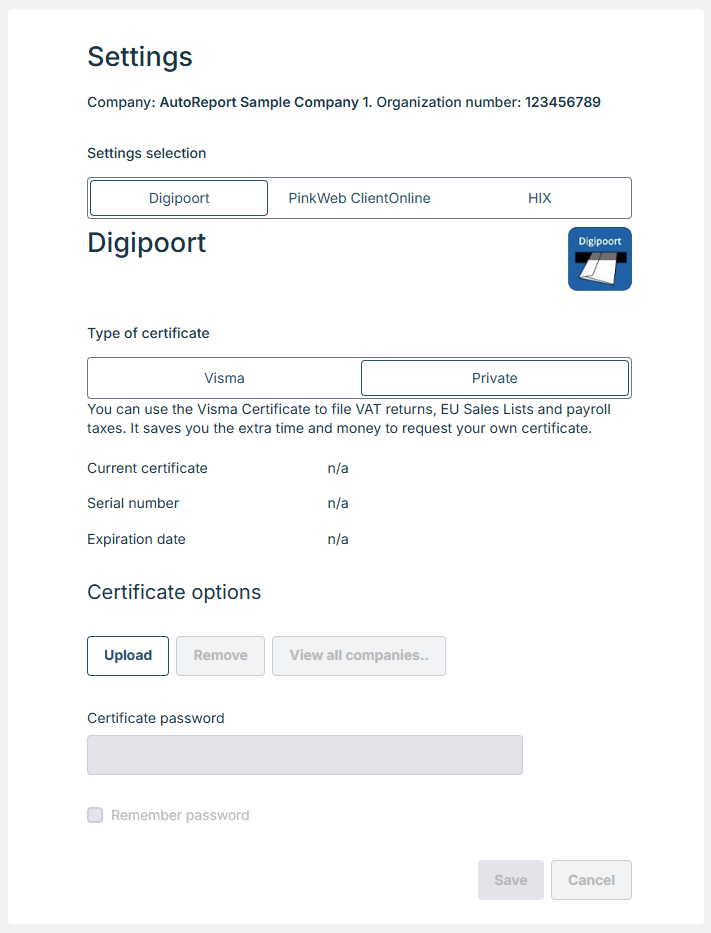
‘View all companies’ for Digipoort settings
In ‘View all companies’ it is possible to save current company’s credentials to other companies the user has access to.
PinkWeb (Dutch)
PinkWeb, supplier of Client Online, is a customer collaboration platform for interaction between accounting firms , their clients and Digipoort.
You can choose do you want to use Digipoort directly or use PinkWeb or HIX to send VAT and EUVAT reports. Choose endpoint and insert User name and Password. You can test the connection with PinkWeb when you save new credentials.
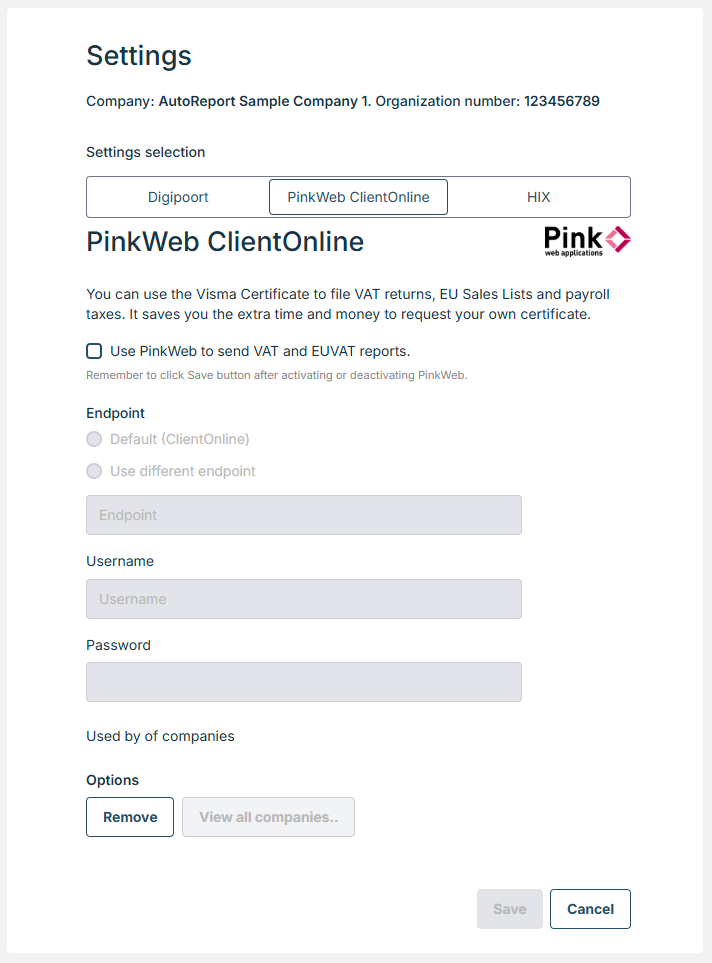
‘View all companies’ for Pinkweb settings
In ‘View all companies’ it is possible to save current company’s credentials to other companies the user has access to.
HIX (Dutch)
HIX, supplier of Client Online, is a customer collaboration portal for interaction between accounting firms , their clients and Digipoort.
You can choose do you want to use Digipoort directly or use HIX or PinkWeb to send VAT and EUVAT reports. Choose Subdomain, API key and Webhook verification token.
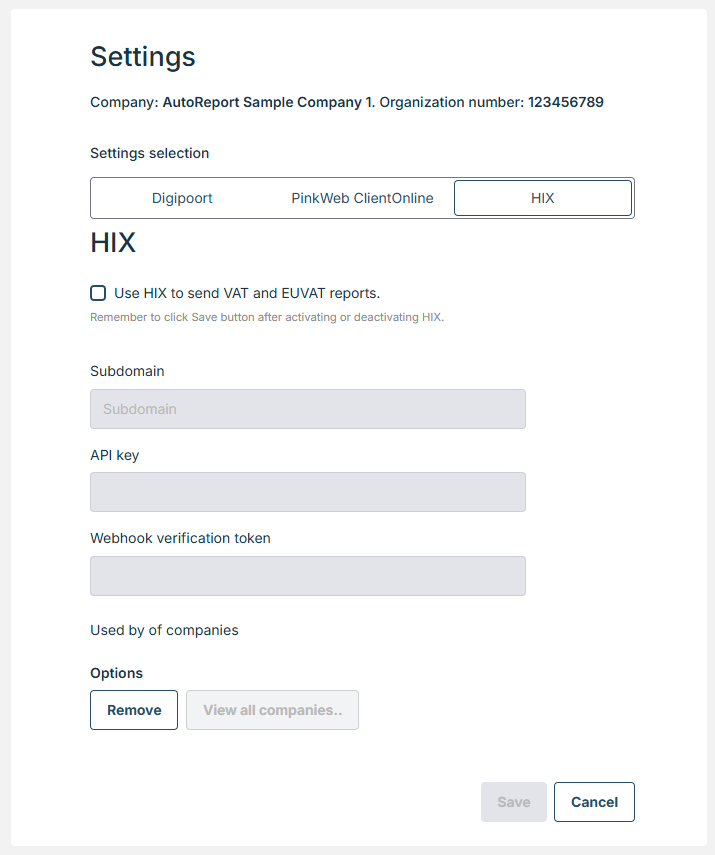
‘View all companies’ for HIX settings
In ‘View all companies’ it is possible to save current company’s credentials to other companies the user has access to.