










Visma Developer Portal
To start subscribing on Business NXT webhooks go to your application in the Developer Portal (opens in a new tab) and select the Webhooks menu. Go to My subscriptions and select “New subscription”. You will enter a wizard for setting up your subscription.
Publisher: Select Business NXT
Events: Select TableChange
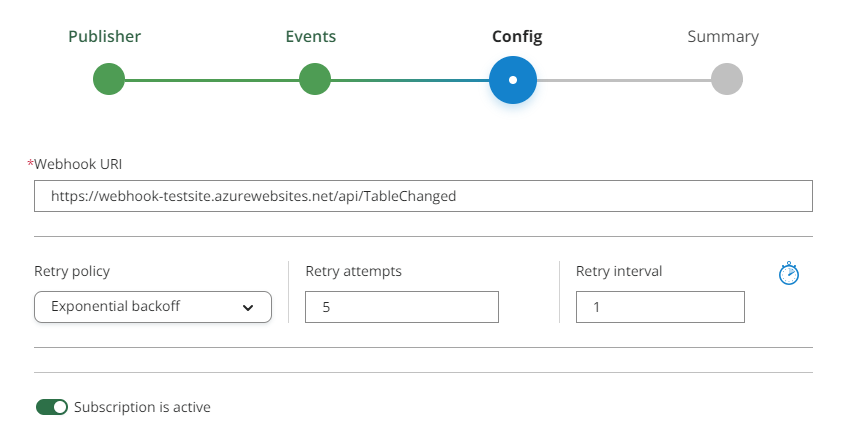
Config: Set the url of the endpoint that can process the webhooks. Before you have an endpoint ready - it can be convenient to use a free resource like webhook.site. Just copy the url from the page when you enter.
- Retry policy: Exponential backoff is the default and should be selected if there can be small down times in your application.
- Retry attempts: If your application does not respond we will try again this number of times.
- Retry interval: We will wait a number of seconds before trying again (in addition to exponential backoff).
Summary: A signature key will be generated. You should store this in a key-vault or in an environment variable of your application. You will need it to validate the messages from Business NXT. Compute HMAC SHA-256 over the raw UTF-8 request body with the signature key, encode the result with base64, and compare it to the value of the
X-Vwd-Signature-V1request header.