Formatting data with leading zeros in Excel
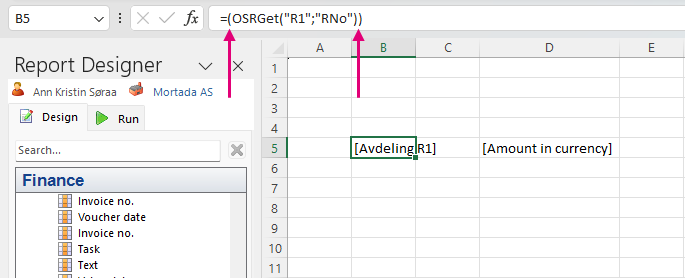
Use parentheses around the function to force Excel to display leading zeros.
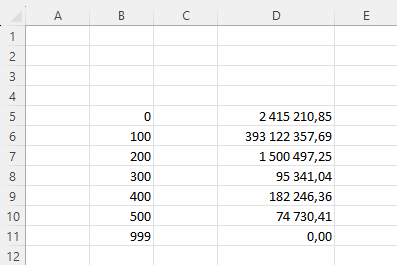
If data generated in the report contains leading zeros (for example, Department numbered 000), Excel will only display a single 0.
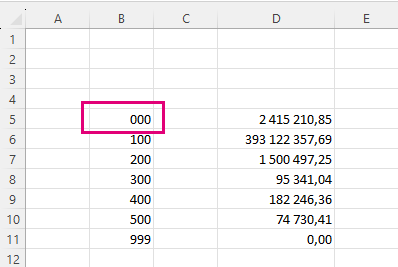
However, you can properly display leading zeros by simply adding parenthesis before and after the OSR function in the formula bar. See the figure below.