










Layout Editor
Use Layout Editor to manage filters, sorting, and rules for report elements.
The Layout Editor is primarily used for managing filters, grouping/sorting and functions for cell, row, column, and sheet level business rules, as well as Storage rules.
Click the Layout Editor button in the OneStop Reporting Excel ribbon to open the Layout Editor. The various functions in the Layout Editor are explained in the next sections.
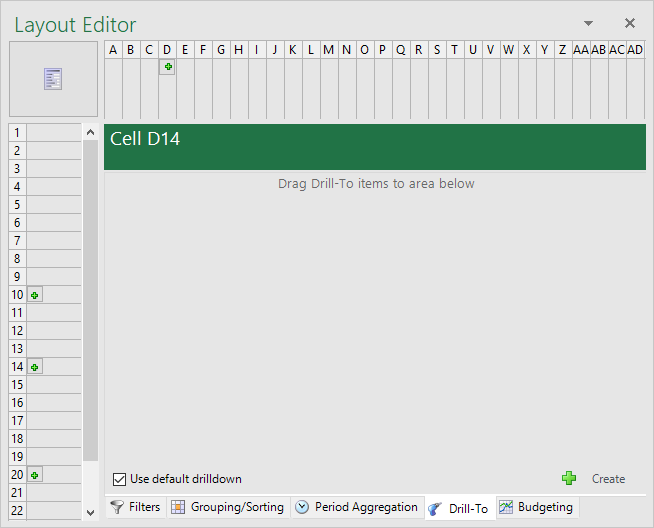
*Figure: Layout Editor - Report Designer*
Section Content
Filters
Use filters to limit and refine the data in your report templates.
Grouping and sorting
Organize your data logically by grouping, summing, and sorting report values.
Period aggregation
Use period aggregation to display accumulated values and historical totals in reports.
Expanding groups
Enable expanding to display individual lines instead of a single total.
Advanced period formulas
Use advanced formulas to automate rolling periods and dynamic date calculations.