












Report Configuration
When you create a new report from OneStop Reporting, you select the company you want to use when building your report.
However, you can change this in the Report Configuration dialog box.
 Figure: Report Configuration button on the OneStop Reporting tab
In the Select data connection dialog box, in the Companies drop-down menu, you can select from the available companies.
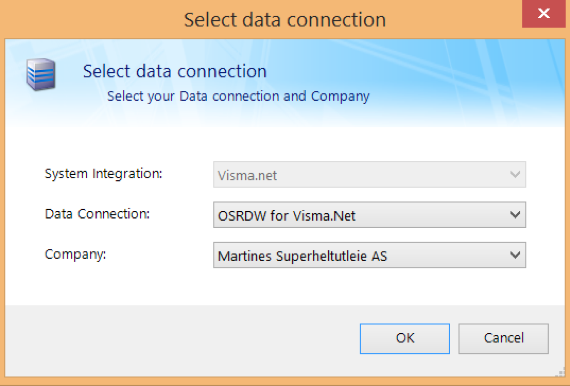 Figure: Select data connection dialog box
If no connection has been configured*,* a connection must be created in the Administration module in the OneStop Reporting portal.